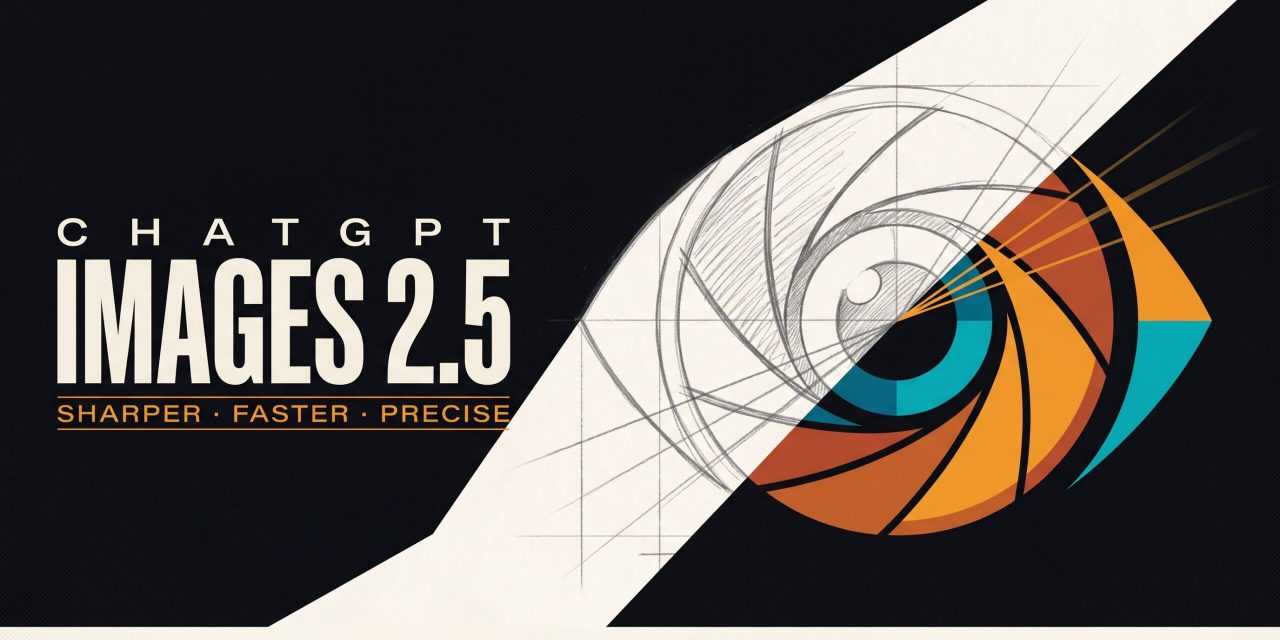
OpenAI has released ChatGPT Images 2.5, the newest version of its image generation model, and the update targets the parts of the creative process you actually notice. The model produces sharper details, more natural lighting and richer textures, follows editing instructions more reliably and generates images with up to 50% lower latency than Images 2.0. Alongside the model itself, ChatGPT gains a set of new tools. Sketch turns rough drawings into finished images, templates give you structured starting points for popular formats, comments can be placed directly on images and prompts can be shared so others can build on your ideas.
The scale behind this release is considerable. People create more than 3 billion images every week across ChatGPT Images and the GPT-Image models in the API, so even modest improvements ripple through an enormous volume of creative work. Here is what ChatGPT Images 2.5 changes in practice.
A sharper model that respects your reference photos
Images 2.0 arrived in April 2026 with 2K resolution, multiple aspect ratios, web research for up-to-date information and two intelligence levels called Instant and Thinking. Version 2.5 builds on that foundation with quality gains that matter most when you work from real source material.
The model is better at preserving the subjects in your reference photos. If you upload a picture of a person, a product or a place and ask for a new setting or visual style, distinctive features are more likely to carry through. Subjects look more recognizable, lighting feels more natural and textures come out richer. For teams building with the API, this fidelity makes reference-led workflows more dependable, because variations stay anchored to the original source.
Images 2.5 also handles complexity better. It understands layered visual instructions and translates them into coherent results, produces more accurate content when images include real-world information and manages complex layouts with transparent backgrounds. Early hands-on testing from TechRadar notes that infographics and portraits of recognizable people have improved noticeably, an area where earlier versions often stumbled.
Generation latency drops by up to 50% compared with Images 2.0, and that changes the rhythm of iteration. You can test a concept, adjust it and refine it again without the waiting that made earlier versions feel slow.
Editing becomes precise with the new edit toolbar
The most practical change sits in the new Edit mode. On the web you click the Edit button that appears over a generated image, and in the app you tap any image. A toolbar opens with five tools: Markup, Comment, Remove BG, Erase and Resize.
Remove BG strips the background and keeps the foreground, giving you a transparent PNG when you download the result. That is ideal for dropping a product shot into a presentation or document. Erase lets you brush over unwanted elements, such as a person in the background, and the model removes them convincingly without demanding pixel-perfect brushing. Resize switches the aspect ratio between common formats like Portrait 3:4, Widescreen 16:9 and Landscape 4:3.
The standout is Comment. Instead of describing an edit in a fresh prompt and hoping the model interprets it, you click the exact element you want to change and attach an instruction such as remove this or change this to blue. ChatGPT executes the instruction at that spot. Editing shifts from describing to pointing, and that makes the whole process faster and more predictable.
Two supporting improvements make this workflow hold up over longer sessions. First, Images 2.5 edits only what you ask for and keeps the rest of the image intact, even with complex subjects and backgrounds. Second, the model maintains consistency across multiple turns. Earlier changes stay stable instead of drifting, and image quality holds as edits stack up. Every edit is also saved as a separate version, so you can scroll back through the history and return to any earlier stage of the image.
Sketch turns rough drawings into finished images
Sometimes the fastest way to explain an idea is to draw it. Sketch is a new feature that lets you draw directly in ChatGPT and use the result as a visual guide for generation. You type @Sketch in ChatGPT, rough out the layout of a room, the contour of an outfit or a quick doodle, and the model converts it into a complete image. You can add a description of the style and any details you want it to reflect.
The drawing canvas is deliberately simple and works with a finger or a mouse. You do not need artistic skill. The value lies in the spatial information a sketch gives the model, such as where objects sit in a frame and how elements relate to each other. Words struggle to convey that, and a rough drawing often gets you closer to the image you had in mind on the first attempt.
Templates and prompt sharing solve the blank canvas problem
Starting from an empty prompt box slows many people down. Templates address this with structured starting points for popular creative formats such as posters, merch, logos and product photos. Each template opens with a base prompt and then asks questions to pin down what you want. The product photo template, for example, asks you to upload a photo of your product, then offers style choices like Clean Studio, Editorial, Lifestyle and Dramatic, followed by a setting such as Dark Studio, before generating the image.
Prompt sharing tackles discovery from the other direction. When you share an image, you can now include the prompt that created it. Someone else can run the same idea with their own photos and details, turning a good result into a reusable recipe. OpenAI points to a viral prompt that shows what you would have looked like in the 1980s as an example of how shared prompts spread.
Two new API models for developers
Developers get two new models in the API. GPT-Image-2.5 Flare is the default choice for most applications. It delivers higher-quality images than GPT-Image-2 at 50% lower latency and suits creator and social content, product experiences, visual search, rapid prototyping and generation at high volume.
GPT-Image-2.5 Sunburst targets premium visual workflows that benefit from tighter control across edits, with longer generation times in exchange for extra precision. OpenAI positions it for production-ready campaign creative and polished product imagery.
Early partners respond positively. One customer highlights the editing discipline: “What impressed us most about GPT-Image-2.5 Flare is how well it understands what not to change.” Adobe has integrated the new models into Firefly, its creative AI studio, citing faster generation and resolution consistency that keeps images sharp through every refinement. Manus reports that Flare delivers high-quality images at two to four times the speed of GPT-Image-2 in its evaluations, with improved transparent-background generation that fits brand assets, presentations and websites. Runway notes that the low latency and quality slot into how creators already work on its platform.
Safety and availability
ChatGPT Images 2.5 builds on OpenAI’s existing safeguards, with checks on prompts and images to help prevent harmful outputs. Images made with the tools carry C2PA metadata and invisible watermarking so they can be identified as AI-generated.
The rollout covers all ChatGPT, ChatGPT Work and Codex users across desktop, mobile and web. Both API models are available now, with pricing details on OpenAI’s site.