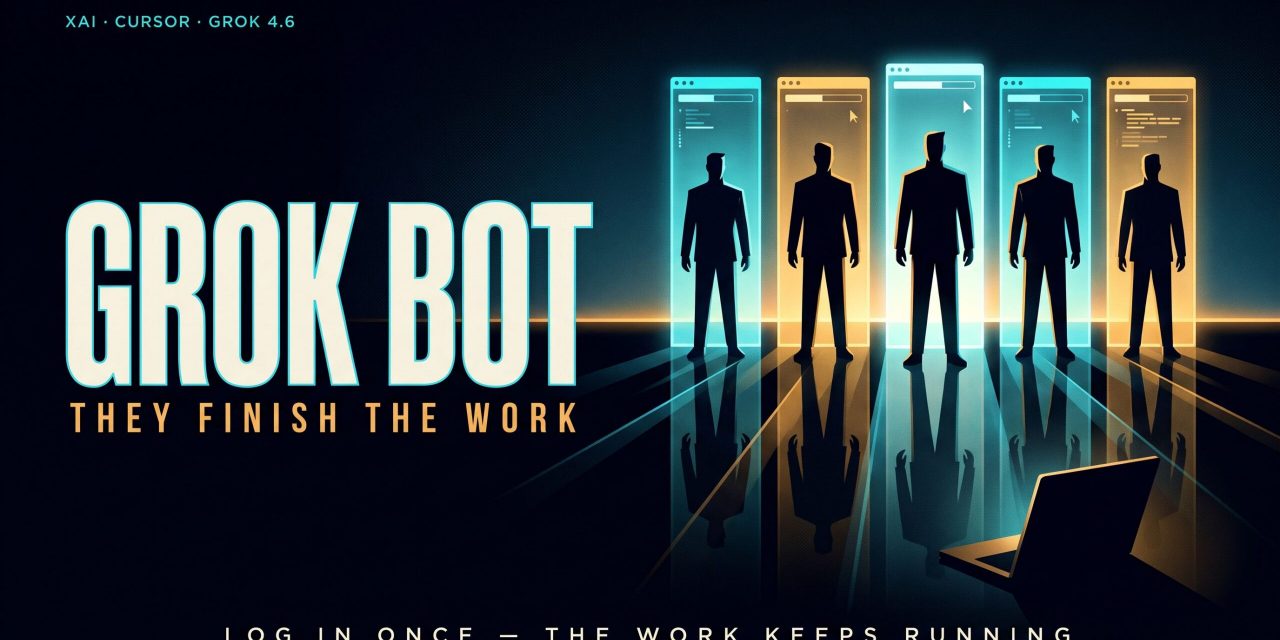
Grok Bot takes AI out of the chat window and puts it inside the tools where you work. Launched in beta in August 2026 by xAI and distributed together with Cursor, the app lets you create AI teammates that log into your apps and operate real software. xAI’s pitch is blunt about the goal, promising AI teammates that finish the work.
What is Grok Bot
Open the Grok Bot app and you see something closer to a messenger than a classic AI product. The sidebar lists bots, each with a name and a job, and every conversation centers on those bots instead of isolated tasks.
Creating one takes a sentence. Describe the job in plain language, something like research bot, email triage, or chief of staff, and the name alone shapes the agent’s first move. A research bot introduces itself as an assistant that pulls sources and reports back. An email triage bot checks whether it has inbox access and asks to connect Gmail if it does not. From there the bot asks clarifying questions, drafts a plan, and starts working.
Underneath, Grok Bot runs on Grok 4.6, xAI’s newest model, priced at $2 per million input tokens and $6 per million output tokens. You never pick a model or reasoning mode yourself. Grok Bot selects automatically based on the job, which keeps things simple for most people while removing a control some technical teams will miss.
How Grok Bot works where you work
xAI’s own description of the product is worth reading closely. Grok Bot works where you work, and you log it in once. From that point it uses your apps and websites just like you would, including the tools that are harder to navigate. The example xAI gives on its site is a bot asking you to “Sign in to Zendesk so I can work the support queue.”
That is possible because your bots run on a persistent cloud computer with a real browser, a filesystem, and a terminal. All of your bots share that one computer, each with its own screen, so handoffs between bots happen without repeating setup. The computer belongs to your account, with strict isolation between users. Because the work runs in Cursor’s cloud, closing your laptop or phone stops nothing. You check progress later from the mobile app, which has full parity with desktop, down to taking over a bot’s live session from your phone.
Log in once, then hand it back
Some tasks need your accounts. When a bot hits a login screen, say LinkedIn for company research, it navigates there on its own and hands control back to you. You authenticate, confirm, and the bot resumes on its own browser instance from where you left it. The same pattern covers Notion, Gmail, and Google Drive. Your credentials stay out of the bot’s reach, and you only ever touch the sensitive step.
Plugins where possible, computer use everywhere else
For the services teams use most, Grok Bot skips the browser entirely. A plugin library offers one-click connections for Gmail, Slack, Google Calendar, Notion, Google Drive, and Granola, alongside heavier machinery like AWS SageMaker, Browserbase, Composio, and Context7, plus an option to build custom plugins. The bot decides on its own whether a plugin or raw browser control fits the task better, and only asks you to connect something when a task actually needs it.
The browser fallback matters more than it looks. One early reviewer pointed a bot at Salesforce and watched it log in and navigate the CRM the way a person would, because most of the internet has no API an agent could call instead. His estimate was that around 80 percent of the web falls in that category. Full computer access is Grok Bot’s answer to exactly that gap.
Teach a task and routines turn demonstrations into automations
The feature businesses keep circling is Teach a Task. Click it, and the bot starts recording its screen while you perform the workflow yourself. Open this site, click here, fill that field. Stop the recording, and Grok Bot turns your demonstration into a repeatable skill the agent can run on command. For anyone who finds showing easier than explaining, this removes the need to describe steps in words or understand any API.
One reviewer taught a bot to pull newsletter statistics from Beehiiv with a single screen recording, with no plugin or API involved, and the bot now runs the same report on request. That echoes why robotic process automation took off a decade ago. The bottleneck in automation is rarely the technology itself, it is the cost of specifying a workflow precisely enough for software to repeat it. A recording collapses that cost.
Routines then decide when skills run. They work like cron jobs, with fixed schedules such as hourly or daily runs, or event triggers like a new Slack message or a Git commit on a connected repository. A research bot can compile an AI news digest every weekday morning. An inbox bot can fire each time a new email lands. One reviewer told a bot in a single sentence to watch a specific X account, and it built its own thirty-minute checking routine in the browser with no scheduling step required.
Bots that coordinate like a team
Grok Bot pushes you to think in roles, and that thinking extends across bots. You can start a chat with several bots at once, pull a new one in mid-conversation with an @-mention, and let them divide the work. Bots message each other, share context in group chats, and pass ownership of a task, so you stop being the router between your own tools. A chief of staff bot can even manage the others directly.
Context also compounds. A named bot keeps its memory, files, browser sessions, and preferences across sessions instead of resetting after every task. Conversations stay separate per bot, while shared files and direct handoffs move context between them. One caveat from the documentation is worth repeating: for consequential decisions, ask the bot to check the current source instead of trusting its memory.
Pricing and availability
Grok Bot has no free tier. Access comes bundled with every paid individual Cursor plan and the Cursor Teams plan, or by linking a SuperGrok subscription. Usage resets weekly.
The desktop app runs on macOS and Windows, and the mobile app covers iPhone and Android. There is no Linux desktop app, though the computers bots work on all run in Cursor’s cloud anyway. xAI now owns Cursor, which explains the joint distribution. Cursor stays the coding tool for developers, while Grok Bot serves everyone who wants automation without ever seeing code.
Where Grok Bot falls short
Early hands-on testing surfaces three limits worth knowing before you commit a team.
First, there is no model control. Grok Bot picks the model behind every task automatically, with no override or advanced mode. Teams with compliance, cost, or reliability requirements tied to specific models have no lever to pull.
Second, voice is limited to dictating into a text field. A live conversational mode where you talk through tasks and assign them to different bots in real time does not exist yet.
Third, the web fights back. Sites can block automation, expire sessions, or demand a human step. Grok Bot hands those moments to you instead of working around them, which is the right call for trust, though it means some workflows will always pause for you.
From chatting to delegating
Agents that own a persistent environment, with their own logins, their own files, and their own memory of finished work, consistently outperform agents that live inside a single chat turn. Grok Bot is the first attempt to package that architecture into a messenger a non-technical person can run on day one.
The practical consequence is a change in your own job description. Once bots do the clicking, your work becomes management: describing outcomes clearly, reviewing finished work, correcting it, and converting stable processes into skills and routines. Teams that get good at that loop will extract far more from Grok Bot than teams still thinking about the perfect prompt.