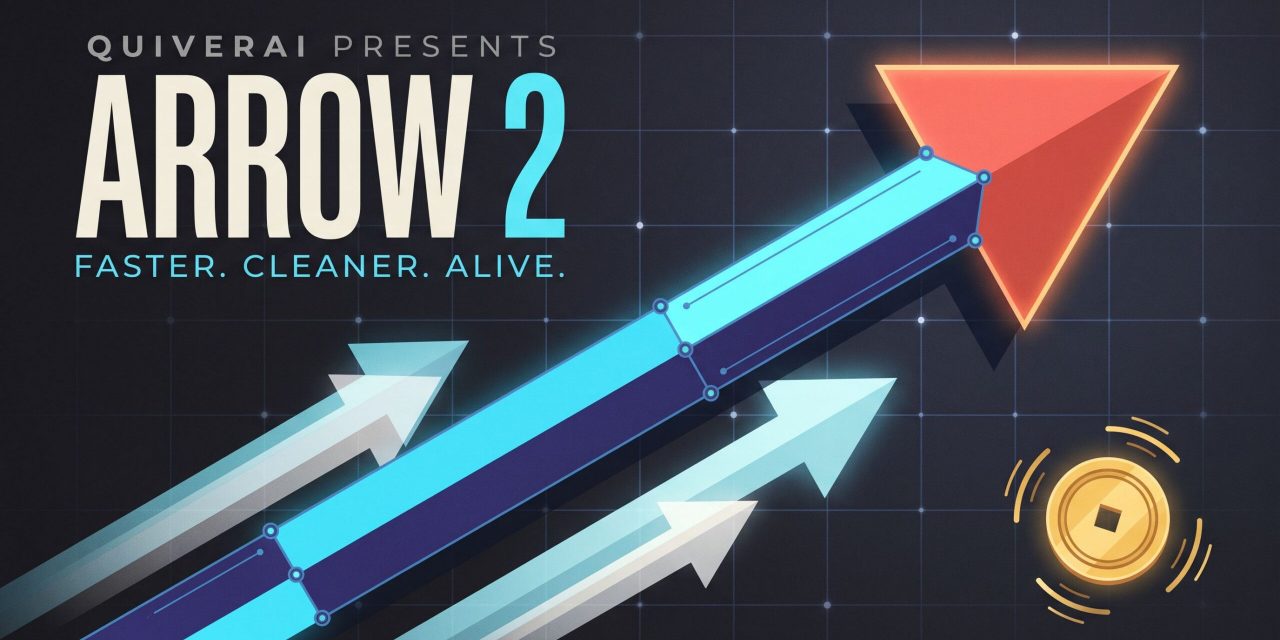
QuiverAI has released Arrow 2, the second generation of its model that produces SVGs from text prompts and raster images. The announcement highlights faster generation and cleaner output, and introduces micro-animations for static vector assets. The developer documentation tells the fuller story. Arrow 2 changes how you pay, how you integrate and which model you pick for a given brief. This article walks through the quality improvements, the new Arrow 2 Telos variant, the token-based pricing model and the expanded API surface, so you can decide where Arrow 2 fits in your design or engineering workflow.
Cleaner geometry and faster generation in Arrow 2
QuiverAI’s philosophy stays consistent. Vectors should be intentionally crafted through code rather than approximated from pixels. Arrow 2 pushes that idea further with three visible upgrades.
Generation is faster. QuiverAI publishes no hard numbers, but frames latency as friction in creative work. Whether you produce a technical diagram or batch-process a folder of sketches, waiting breaks your flow. Shorter generation times leave more room to test directions, refine prompts and compare results.
Geometry is cleaner. SVGs now use fewer, more precise control points, with less node clutter and fewer messy overlapping paths. This matters beyond aesthetics. A path bloated with anchor points is harder to edit by hand and heavier to ship. Arrow 1.1 already moved toward primitives like shapes and text instead of stacked paths. Arrow 2 reduces node counts further, so the output lands closer to something a designer would draw intentionally.
Composition is stronger. Elements respect spacing, padding and alignment without exhaustive prompt engineering. You spend less time coaxing the model into basic layout discipline and more time on the brief itself.
Reference-driven variations and vectorization
The official examples show what these upgrades mean in daily work. Give Arrow 2 a reference image and it produces new variations that retain the palette, shape language and graphic treatment. That suits character development and icon sets, where consistency across a whole collection matters more than any single image.
For diagrams, the model handles emphasis well. One example highlights targeted muscle groups in red while the surrounding anatomy stays legible. Keeping educational illustrations in SVG format makes color swaps and localization significantly cheaper down the line.
Technical drawings benefit in a similar way. Fashion concepts preserve seams, closures and panel construction across variations, so design proposals remain comparable side by side.
Vectorization completes the picture. Arrow 2 converts raster images into editable SVGs that teams can refine, scale and reuse. Traditional tracing tools faithfully pick up every jitter in a hand-drawn line, which leaves you cleaning paths for hours. Arrow redraws with code instead of approximating pixels, and that difference shows in the cleanup work you avoid.
Micro-animations bring motion to static SVGs
The most visible addition is motion. Arrow 2 animates the shapes and groups already present in an SVG, producing web-ready animations for logo reveals, loading states, motion graphics, product illustrations and animated icons.
The mechanism defines the limits. Because the model moves existing shapes and groups, flat and structured artwork animates well. An illustration flattened into one complex path will not move cleanly. If animation is part of your plan, keep your source SVGs organized into properly separated layers and groups.
Arrow 2 versus Arrow 2 Telos
Two models share the Arrow 2 name. Standard Arrow 2 targets speed and cost per asset. Arrow 2 Telos combines Arrow’s speed with the refinement capabilities of frontier models, and reads a context of roughly 1.05 million tokens. That is enough to pass long brand guidelines or a large set of reference SVGs in a single request.
Both models cap output at 65,536 tokens, so Telos will not produce an enormous SVG in one pass. The choice is straightforward. Pick Arrow 2 for volume work where cost per asset drives the decision. Pick Telos for demanding briefs that benefit from extra reasoning and refinement.
One implementation detail trips people up. The API model ID is arrow-2, not arrow-2.0. The flagship is arrow-2-telos. Editing and animation availability also depends on your catalog, so check supported_operations in the models endpoint before you build against a specific capability.
Token pricing replaces per-image fees
The quietest change in the announcement carries the largest operational impact. Arrow 1.1 charged a fixed $0.20 per generation and $0.15 per vectorization. Arrow 2 and Telos bill per million tokens used.
- Arrow 2 costs $4 per million input tokens and $20 per million output tokens. Cached input drops to $0.40, one tenth of the standard input rate.
- Arrow 2 Telos costs $6 per million input tokens and $30 per million output tokens, fifty percent above the standard model across the board.
The documentation’s example puts a request with 10,000 input tokens and 2,000 output tokens at $0.08 on Arrow 2 and $0.12 on Telos. Simple icons will often beat the old flat rate. Detailed illustrations can exceed it, especially since output tokens include reasoning tokens. You pay for the model’s thinking, not just the finished file. Multi-round tool calls through the Responses API add charges per HTTP request as well.
The billing mechanics in the developer docs are worth knowing upfront.
- API usage deducts from a prepaid organizational balance. The minimum purchase is $10 and credits expire after one year.
- Each token-billed request places a temporary $1 hold on your balance, settled once actual usage is confirmed. This is a hold, not an extra fee.
- Insufficient balance can reject requests with a 402 Payment Required error before execution.
- App subscription credits and API credits live in completely separate wallets.
Three ways to integrate the Arrow 2 API
The developer documentation now offers three entry points, and choosing between them depends on how fixed your operations are.
Native API
The text to SVG and image to SVG endpoints remain the simplest option when your operation is fixed. Generate an SVG from a prompt, vectorize a raster image, save the result and move on. The API Platform handles projects, API keys, billing and data controls behind the integration.
Responses API
The Responses endpoint follows the Open Responses specification, so you can call Arrow from OpenAI-compatible SDKs. Point the OpenAI JavaScript SDK at the QuiverAI base URL and use the responses client, or plug the QuiverAI URL into the Vercel AI SDK. Declared function tools let the model request tool calls, which makes agent loops possible.
The constraints are clear. The API is fully stateless. Sending store or previous response identifiers returns a 400 error rather than being ignored, and continuing a conversation means resending the full message history every turn. Legacy hosted tools are unavailable. Migration from native endpoints is optional, and the docs themselves recommend staying native when your use case is simple generation or vectorization.
MCP server
A hosted MCP server in beta lets coding agents generate SVGs, vectorize images and browse galleries directly. Billing differs slightly from the API. Requests draw on your weekly app credits first, with prepaid credits covering any shortfall. Asking an agent to draft three icon variations for a landing page and drop them in your repository is now a realistic workflow.
Sandbox keys round out the developer experience. They hit the same routes as production keys but return deterministic test outputs with a test environment header, free of charge. You can intentionally simulate partial responses, failures and delays, which makes error handling and timeout tests in CI easy. Rate limit headers now ship with every response, so your client can slow down before being throttled.
What to check before adopting Arrow 2
- Benchmark with your own assets. Prepare ten to twenty typical icons or illustrations and compare generation time, output token counts and cleanup effort between Arrow 1.1 and Arrow 2.
- Estimate costs in tokens, not per image. Reasoning tokens and tool call round trips move your bill more than file size does.
- Structure your SVGs if animation is a requirement. Only separated shapes and groups animate as expected.
- Migrate gradually. Arrow 1, 1.1 and 1.1 Max have left the app but remain available through the API, so production can stay put while you validate Arrow 2 on new projects.
The shift
The Responses API and MCP server turn SVG generation into a capability your existing applications and agents can call directly. Arrow 2 is less a drawing tool and more a piece of infrastructure.