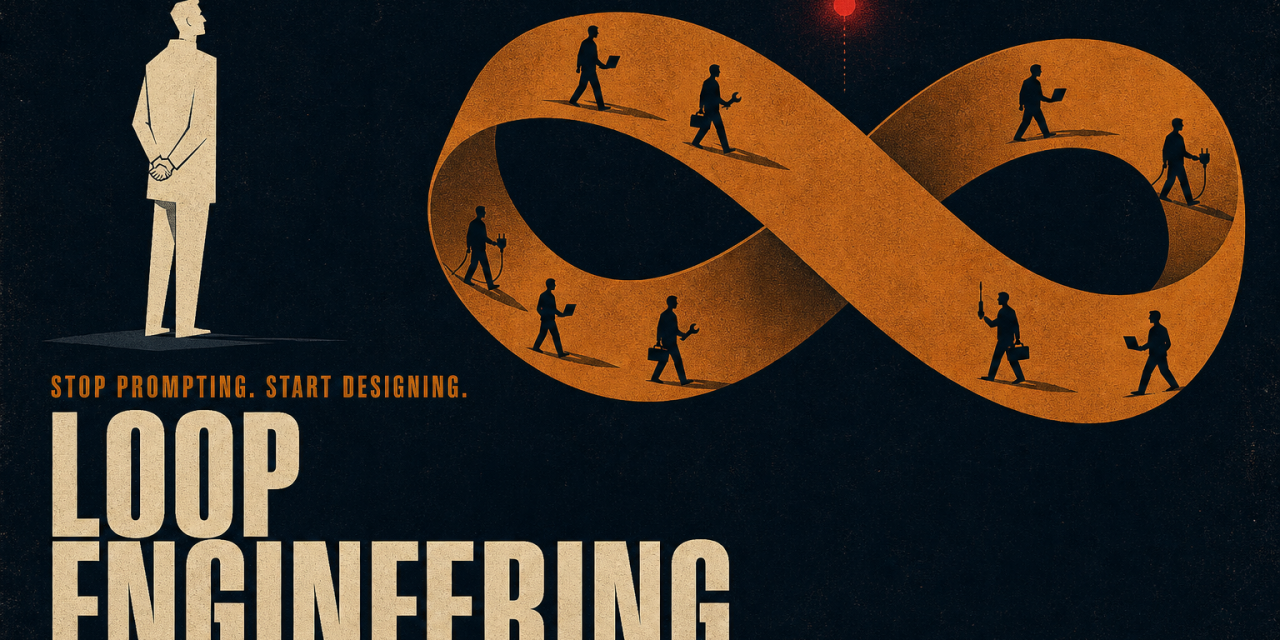
For roughly two years, working with a coding agent meant the same. You wrote a prompt, you read what came back, you typed the next thing. The agent was a tool and you held it the entire time, one turn after another. That is changing. We have moved from crafting prompts to designing the systems that generate, verify, and stop these prompts. This is now called loop engineering.
The idea was popularised by Addy Osmani, building on remarks from Peter Steinberger and Boris Cherny, the head of Claude Code at Anthropic. Cherny no longer prompts Claude. He has loops running that prompt Claude and figure out what to do. His job is to write loops.
What loop engineering is
A loop, in this context, is a recursive goal. You define a purpose once, and the agent iterates until the work is complete or the loop hands control back to you. Instead of typing the next instruction after every response, you build a small system that finds the work, hands it out, checks the result, writes down what is done, and decides the next step. You let that system poke the agent instead of poking it yourself.
A coding agent already runs an inner loop on every turn. It reasons, takes an action, observes the result, and loops back. Loop engineering sits one level above that. It is the outer loop that runs on a schedule, spawns helpers, and keeps going across many inner cycles without you in the seat for each one.
This is not the same as prompt engineering and it does not replace it. Prompt engineering optimises a single instruction. Context engineering shapes what goes into the window around that instruction. Loop engineering wraps both of those in an autonomous control structure that decides what to prompt, when, and whether the result is acceptable.
The five building blocks, plus memory
A working loop needs five pieces and one place to remember state. The names differ between tools, but the shape is identical across Claude Code and OpenAI Codex.
- Automations that fire on a schedule and do discovery and triage on their own.
- Worktrees so parallel agents do not collide on shared files.
- Skills that capture project knowledge the agent.
- Plugins and connectors that plug the agent into your real tools through the Model Context Protocol.
- Sub-agents so one of them writes the code and a different one checks it.
The sixth piece is memory. A markdown file, a Linear board, a progress log, anything that lives outside the conversation and holds what is done and what is next. The model forgets everything between runs, so the state has to live on disk and not in the context window. The agent forgets. The repo does not.
Automations are the heartbeat
Automations turn a one-off run into an actual loop. In Codex, the Automations tab lets you pick a project, a prompt, a cadence, and an environment. Runs that find something land in a triage inbox. Runs that find nothing archive themselves. Claude Code reaches the same place through /loop for recurring prompts, scheduled cron tasks, hooks that fire shell commands at agent lifecycle points, and GitHub Actions for work that needs to keep running after you close the laptop.
The most discussed primitive of the year is /goal, which both tools now have. It keeps the agent working across turns until a verifiable stop condition is true, with a separate smaller model checking whether the loop is done after each turn. The agent that wrote the code is not the one grading it.
Worktrees prevent parallel chaos
The moment you run more than one agent on the same repo, files start colliding. Two agents writing the same file is the same headache as two engineers committing to the same lines without talking first. A git worktree solves it. It is a separate working directory on its own branch sharing the same repo history, so one agent’s edits cannot touch another’s checkout. Both Codex and Claude Code support this natively. Worktrees remove the mechanical collision, but your review bandwidth still decides how many parallel agents you can actually run.
Skills stop the goldfish problem
A skill is how you stop re-explaining the same project context every session. Both tools use the same format. A folder with a SKILL.md inside holding instructions and metadata, plus optional scripts, references, and assets. Skills are where intent stops costing you over and over. An agent starts every session cold and will fill any gap in your intent with a confident guess. A skill is that intent written down on the outside. The conventions, the build steps, the lesson learned from that one incident. Without skills the loop re-derives your project from zero every cycle. With skills, knowledge compounds.
Sub-agents split the maker from the checker
The single most useful structural move in a loop is separating the agent that writes code from the agent that checks it. The model that wrote the code is far too generous grading its own homework. A second agent with different instructions, and sometimes a different model entirely, catches the things the first one talked itself into. The usual split is one agent explores, one implements, one verifies against the spec. This is also what /goal does under the hood. A fresh model decides whether the loop is done, not the one that did the work.
What one loop looks like end to end
Put the pieces together and a single thread becomes a small control panel. Here is a shape that maps cleanly onto either tool.
An automation runs every weekday morning on the repo. Its prompt calls a triage skill. The skill reads yesterday’s CI failures, the open issues, and recent commits, then writes findings into a memory file or a Linear board. For each finding worth doing, the thread opens an isolated worktree and sends a sub-agent to draft the fix. A second sub-agent reviews that draft against the project skills and the existing tests. Connectors open the PR and update the ticket. Anything the loop cannot handle lands in the triage inbox for you.
The state file is the spine of the whole thing. It remembers what was tried, what passed, and what is still open, so tomorrow morning the run picks up where today stopped. You designed it once. You did not prompt any of those steps.
What a well-engineered loop actually requires
Not every loop is equal. A poorly designed loop wastes tokens, runs forever, or hallucinates progress. Five elements decide whether a loop holds together or quietly leaks.
- A specific termination condition. “Make the app better” produces infinite loops. “All tests in test/auth pass and lint is clean” gives the loop a real exit.
- Useful tools. A loop that can only see the filesystem is a tiny loop. Connectors that let the agent run tests, query a database, or update a ticket are what make the loop act inside your real environment.
- Context management. Each iteration generates more state. Summarise older logs, prune irrelevant context, and keep a structured record of what was tried.
- Explicit failure exits. Max iteration limits, time limits, and escalation paths to human review. Without these, the loop becomes a resource sink.
- Real error handling. A loop that retries the same failed action after the same error is not learning. It is spinning.
The risks that get sharper, not easier
A loop changes the work. It does not delete you from it. Three problems actually sharpen as the loop improves.
Verification stays your job. A loop running unattended is a loop making mistakes unattended. The whole reason you split the verifier from the maker is to make “done” mean something. Even then, “done” is a claim, not a proof. You still ship code you confirmed.
Comprehension debt grows faster. The quicker the loop ships code you did not write, the bigger the gap between what exists in the repo and what you actually understand. A smooth loop just makes that gap grow faster unless you read what the loop produced.
Cognitive surrender is the comfortable failure. When the loop runs itself, it is tempting to stop having an opinion and accept whatever it returns. Designing the loop is the cure when you do it with judgement. It is the accelerant when you do it to avoid thinking. Same action, opposite result.
Stay the engineer
Two people can build the exact same loop and get completely opposite outcomes. One uses it to move faster on work they understand deeply. The other uses it to avoid understanding the work at all. The loop does not know the difference. You do. That is what makes loop design harder than prompt engineering, not easier. The work did not get easier. The leverage point moved.