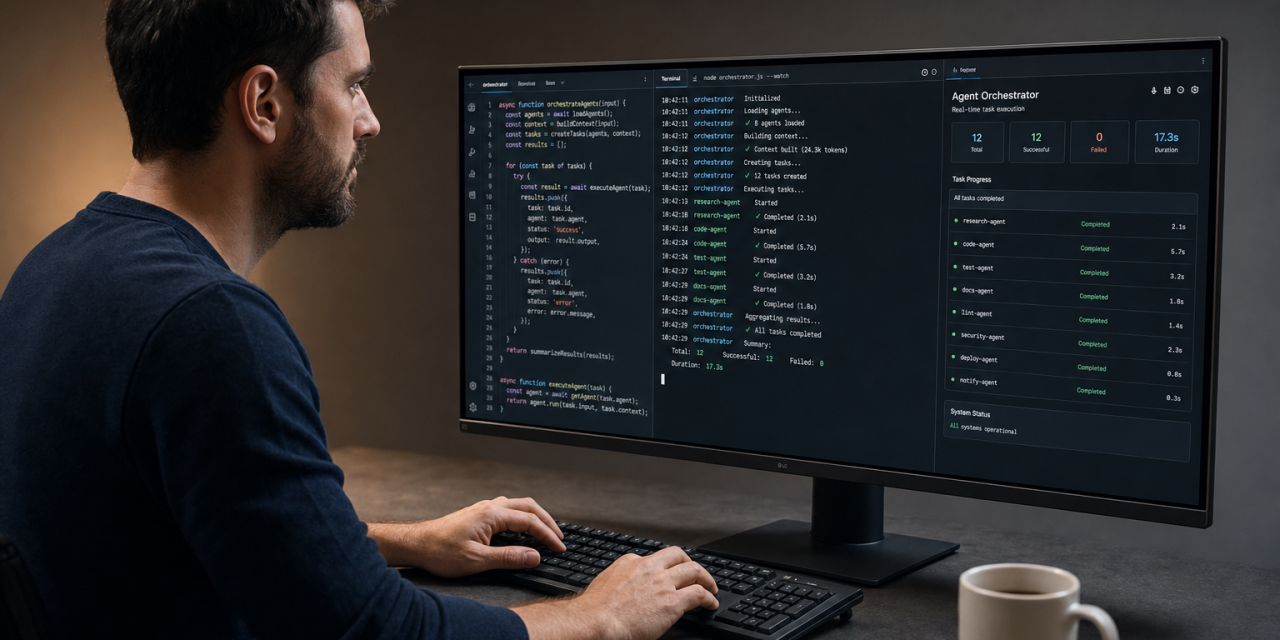
Google Antigravity 2.0 is no longer just an agentic coding tool with a polished interface. After Google I/O 2026, it is positioned as a wider ecosystem for building with AI agents across desktop development, terminal workflows, APIs, cloud environments and custom agent frameworks. The product is moving from helping you write code toward helping you coordinate work.
The promise is ambitious. Let developers run multiple agents, schedule tasks, build custom workflows, export work from AI Studio into local development and use the same Antigravity agent through a CLI or the Gemini API. When a coding assistant becomes an operating layer for development, reliability, transparency and environment support become as important as model performance.
What Google Antigravity 2.0 actually is
Google describes Antigravity 2.0 as the first major step toward an independent agent-focused surface. It is designed as a place where you assign work to agents, monitor progress, review outputs and connect those agents to different tools.
The 2.0 release includes several connected pieces:
- A standalone desktop application for managing agent-driven development work.
- Google Antigravity CLI for invoking and monitoring agents from the terminal.
- Antigravity agent access through the Gemini API for programmatic queries.
- Google Antigravity SDK in preview for developers who want to build custom agents on the Antigravity agent harness.
- AI Studio Build export so projects can move from Google AI Studio into local Antigravity development, including the conversation context.
- Google Cloud availability through the Gemini Enterprise Agent Platform.
Antigravity 2.0. Google is an agent platform with multiple entry points. A developer can start in AI Studio, continue locally, trigger work from a terminal, query the agent through an API and eventually deploy custom agent workflows.
Why the desktop app matters
The desktop app is still the most visible part of Google Antigravity 2.0. According to Google’s I/O announcement and coverage from TechCrunch, the updated app focuses on orchestrating multiple agents and running tasks simultaneously. That is a meaningful step beyond the familiar chat-based coding workflow.
In a traditional AI coding tool, you usually ask for one task at a time: write a function, debug an error, explain a file or generate tests. Antigravity 2.0 moves closer to a project management surface for agents. One agent might inspect a codebase. Another might write tests. A third might update documentation. A fourth might prepare a migration plan.
That sounds efficient, but it also changes how developers need to think. You are no longer only prompting. You are designing work units. You decide which tasks can run in parallel, which tasks need review and which tasks are safe enough to automate.
Projects, worktrees and sidebar management
Google added projects, worktree support and new sidebar management to make agent work easier to organize. These are practical features. Once you run more than one agent, you need clean separation between experiments, branches and tasks.
Worktree support is especially relevant for teams that want agents to explore changes without polluting a main working directory. An agent can attempt a refactor or dependency upgrade in a separate workspace. The developer can then review the result before merging anything back.
This is where agentic coding becomes useful for serious work. The value is not only that an AI can write code quickly. The value is that it can attempt isolated changes, preserve context and let you compare outcomes without turning your repository into a mess.
The CLI makes Antigravity more developer native
The new Google Antigravity CLI is one of the more important additions because many developers do not want every AI workflow to live inside a graphical app. A command-line interface lets you invoke, monitor and interact with agents directly from the terminal.
Terminal workflows are already where many build, test and deployment tasks happen. CLI tools are also easier to script and a CLI can fit into existing developer habits without forcing a major change in environment.
TechCrunch notes that Google is asking users of the Gemini CLI tool to migrate to the new Antigravity CLI. That suggests Google wants Antigravity to become the primary agentic developer interface, while Gemini remains the broader intelligence layer behind it.
The best use cases for the CLI are likely to be repeatable development tasks. Examples include asking an agent to inspect failed tests, summarize a pull request, generate migration notes, run a dependency audit or scaffold a small feature from an issue description.
Gemini 3.5 Flash is the engine behind the upgrade
Google says Gemini 3.5 Flash is now the default Gemini Flash model on Antigravity. The company presents it as its strongest agentic and coding model so far, with benchmark results including 76.2 percent on Terminal Bench 2.1, 1656 Elo on GDPval AA, 83.6 percent on MCP Atlas and 84.2 percent on CharXiv Reasoning.
Google also says Gemini 3.5 Flash is normally four times faster than other frontier models and, for a limited time, twelve times faster on Antigravity due to further optimizations.
Speed matters more in agentic coding than in ordinary chat. If an agent needs to inspect files, run tests, revise code, recheck results and summarize changes, latency compounds. A model that feels fast in a short chat can feel slow when it controls a multi-step workflow. This is why Gemini 3.5 Flash is central to the Antigravity 2.0 story.
Agent teams and harder tasks
Google also previewed agent team capabilities powered by new primitives in the Antigravity agent harness. These include dynamic subagents, asynchronous task management and hooks.
A main agent should be able to break work into subtasks, assign those subtasks to specialized subagents and continue coordinating while work happens in the background. Hooks allow workflows to react to events, such as a test failure, a file change or a completed task.
Scheduled tasks bring automation into the coding workflow
Scheduled Tasks are one of the most practical additions in Google Antigravity 2.0. They let agents run on predefined cron schedules with predefined instructions.
This brings Antigravity closer to continuous maintenance. Instead of manually asking an agent to check something every week, you could schedule recurring work. Useful examples include:
- reviewing dependency updates and summarizing risky changes.
- checking test failures on a recurring branch.
- generating a weekly technical debt report from selected repositories.
- refreshing documentation after code changes.
- monitoring a migration checklist and flagging unresolved items.
The challenge is governance. Scheduled agents need boundaries. A scheduled report is low risk. A scheduled code change that commits automatically is much more sensitive. Teams will need clear rules for permissions, review and rollback before they trust scheduled agents with production-related work.
Voice input is more than a convenience feature
Google added live voice transcription using Gemini Audio models.
Typing a perfect prompt can be slow, especially when explaining architecture, constraints or tradeoffs.
Voice will not replace precise written instructions. For complex tasks, written specs still matter. But voice can be useful at the planning stage, especially when you need to quickly transfer context from your head into the agent workspace.
AI Studio, Android, Firebase and Chrome integrations
One of Google’s clearest advantages is ecosystem integration. Antigravity 2.0 is not isolated from the rest of Google’s developer stack.
AI Studio Build now uses the Antigravity agent harness. Google also introduced an export flow from AI Studio Build to Antigravity that brings over code and the context of the full agent conversation. That context transfer is important. Losing the reasoning and discussion behind a prototype is one of the common frustrations when moving from a browser-based AI tool to local development.
Google also announced Android skills and CLI support for Android developers, Firebase Skills for app builders and Modern Web Guidance skills from the Chrome team. These skills are meant to give agents more domain context. A general coding model can write code. A coding model with platform-specific guidance is more likely to follow current standards, recommended APIs and expected project structure.
The Science Skills bundle is another signal of where Antigravity may be heading. Google says it integrates insights from more than 30 major life-science databases to help researchers complete manual workflows faster. That points to a future where Antigravity is not only for software engineering, but for specialized knowledge work where agents need curated tools and domain sources.
The SDK and Gemini API make Antigravity programmable
The Antigravity SDK may become the most important piece for advanced teams. It gives developers a way to build custom agents using the same agent harness that Google has optimized with Gemini. That is different from simply calling a model API.
A model API gives you intelligence. An agent harness gives you structure around that intelligence. It can define how agents use tools, manage subtasks, handle context, respond to events and coordinate work. For companies building internal developer tools, this could be more valuable than the desktop app itself.
Direct access to the Antigravity agent through the Gemini API also makes it easier to connect agentic workflows to existing systems. A team could query the agent from an internal dashboard, a deployment pipeline or a custom review tool. The real value will depend on how much control Google gives developers over permissions, memory, tool use and audit logs.
Pricing and usage limits
Google introduced a new 100 dollar per month Google AI Ultra plan. According to Google, this plan includes priority access to Antigravity and five times the capacity of the Google AI Pro plan. Google’s subscription update also says the plan is aimed at developers, technical leads, knowledge workers and advanced creators.
Google also lowered the price of its top AI Ultra plan from 250 dollars to 200 dollars per month. That higher tier includes twenty times higher usage limits in the Gemini app and Google Antigravity than the Pro plan.
The move to compute-based usage limits is worth noting. Instead of simple daily prompt limits, Google says usage now accounts for prompt complexity, features used and chat length. That is more realistic for agentic work, where one request might trigger many model calls, tool uses and file operations.
For individual developers, the key question is whether Antigravity saves enough time to justify the cost. For teams, the question is different. If agents can reliably handle routine maintenance, testing support and documentation, the subscription cost may be easier to justify. But that depends on trust, not just speed.
Early developer concerns should not be ignored
The most cautious part of the Antigravity 2.0 story comes from early developer feedback. A discussion on Google’s AI developer forum includes reports of installation problems, failed downloads, WSL connection issues, confusion between Antigravity IDE and Antigravity 2.0 and frustration about removed or changed workflow features.
One repeated complaint is the apparent loss or reduction of explicit planning and checkpoint controls. That matters because planning and rollback are central to safe agentic coding. Developers do not only need an agent to act. They need to inspect the plan, interrupt bad assumptions and return to a known good state.
It is possible that these are launch issues that will be fixed quickly. Still, they reveal a broader truth: agentic development tools need boring reliability. A coding agent can be brilliant, but if the install flow breaks, the IDE cannot connect to the environment or a forced update disrupts work, developers will lose confidence fast.
What Antigravity 2.0 is best suited for now
Based on the announced features, Google Antigravity 2.0 looks most useful for developers and teams who already work with complex projects and want agents to handle structured tasks. The best early use cases are likely to be:
- Prototype continuation from AI Studio into local development without losing conversation context.
- Parallel code investigations where multiple agents inspect different parts of a codebase.
- Maintenance automation through scheduled tasks and recurring reports.
- Platform-specific development with Android, Firebase and modern web guidance.
- Custom internal workflows built with the Antigravity SDK and Gemini API.
The deciding factor will not be whether Antigravity can produce impressive demos. The real test is whether it can stay dependable inside messy developer environments, preserve control through planning and checkpoints and make agent work easy to review. In agentic coding, trust is the feature that makes every other feature usable.