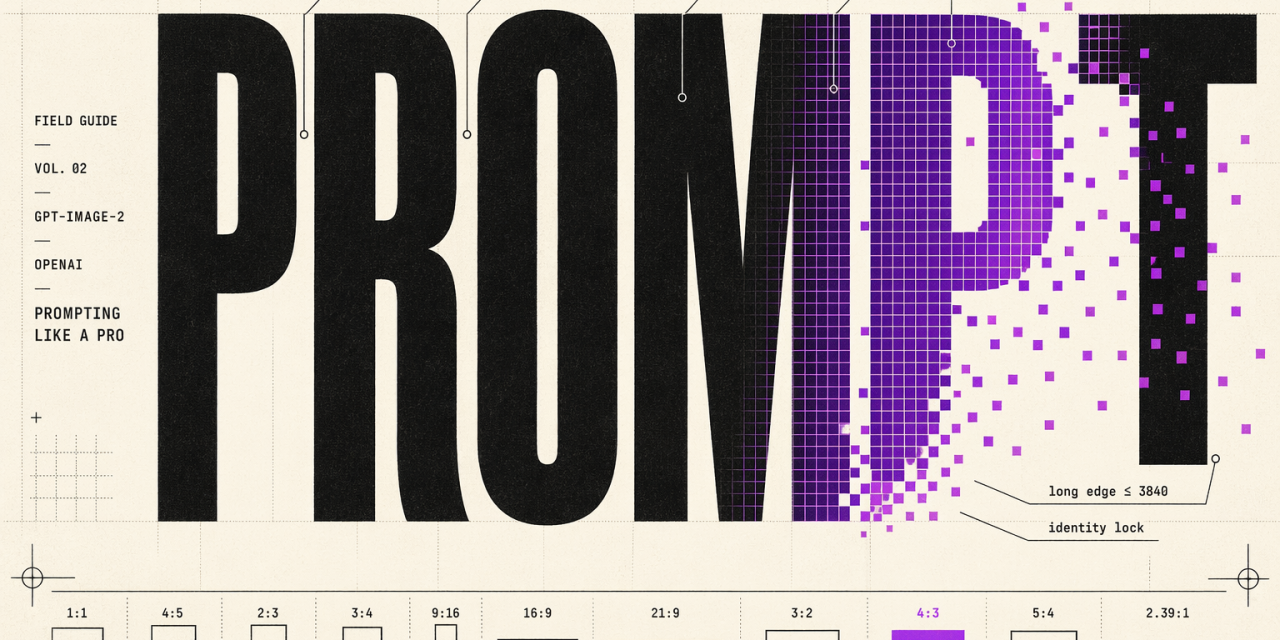
OpenAI quietly shipped something that most teams building with generative media have been waiting for: a prompting guide for its gpt-image generation models that reads less like marketing copy and more like an internal playbook. If you are building production workflows on top of gpt-image-2, gpt-image-1.5 or the lighter gpt-image-1-mini, the guidance is concrete, opinionated and refreshingly free of vague best-practice platitudes.
Here is what actually matters from the guide, distilled for teams that need to ship reliable visuals at scale without babysitting every generation.
Why gpt-image-2 changes the default stack
The headline is simple. For new builds, gpt-image-2 is the recommended default. It delivers photorealistic rendering with believable lighting and materials, handles in-image text with crisp typography, and holds identity across edits. That last point is the one most teams underestimate. Character consistency, facial preservation and geometry locking are the difference between a fun demo and a workflow you can actually put in front of customers.
The model also supports flexible quality and latency tradeoffs. At quality=low, generation is fast enough for high-volume batches, ideation and preview assets, while still beating prior-generation quality. Medium and high remain the right call for dense infographics, small typography, close-up portraits and identity-sensitive edits where one bad output costs more than a few extra milliseconds.
Resolution rules worth memorising
- Maximum edge under 3840 pixels
- Both edges must be a multiple of 16
- Long-to-short edge ratio no greater than 3 to 1
- Total pixels between 655,360 and 8,294,400
- Anything above 2560×1440 is experimental territory
Practical defaults like 1024×1024, 1024×1536 and 1536×1024 cover most cases. Widescreen 2560×1440 is the upper reliability boundary. Push beyond that and outputs become more variable.
The prompting fundamentals that actually move the needle
The guide reads like it was written by people who got burned enough times to know what works. A few patterns show up repeatedly across generation, editing, infographics, ads, UI mockups and compositing.
Structure beats cleverness
Write prompts in a consistent order: background and scene, then subject, then key details, then constraints. Include the intended use, whether it is an ad, a UI mock or an infographic. This single step sets the polish level the model targets. For complex requests, break the prompt into short labeled segments rather than one dense paragraph. Production systems benefit more from a skimmable template than from clever syntax.
Be specific about the medium
Concrete beats abstract. Name the materials, textures and visual medium directly. For photorealism, use the word photorealistic in the prompt. Phrases like real photograph, taken on a real camera, or iPhone photo also engage the right mode. Detailed camera specs are interpreted loosely, so use them to suggest a look rather than to simulate physics.
Constraints are load-bearing
State invariants explicitly. No watermark, no extra text, preserve identity, preserve geometry, preserve layout. For edits, the formula is simple: change only X, keep everything else the same, and repeat the preserve list on every iteration to prevent drift. If an edit should be surgical, explicitly tell the model not to alter saturation, contrast, arrows, labels, camera angle or surrounding objects.
Text in images needs discipline
Put literal text in quotes or ALL CAPS. Specify font style, size, colour and placement as constraints. For brand names or uncommon spellings, spell the word letter by letter to improve character accuracy. Small text, dense information panels and multi-font layouts want medium or high quality, not low.
People, pose and action
Describe scale, body framing, gaze and how the subject interacts with objects. Full body visible, feet included, looking down at the open book not at the camera, hands naturally gripping the handlebars. These are the cues that fix body proportion, action geometry and gaze alignment, which are historically the weakest areas of image models.
Editing is where the model really earns its keep
Generation gets the attention, but editing workflows are where teams extract real value. The guide covers patterns that map cleanly to commercial use cases:
- Style transfer, keeping palette, texture and brushwork consistent while changing the subject
- Virtual try-on, locking face, body, pose and hair while only garments change, with realistic drape and occlusion
- Sketch to render, preserving layout and perspective while adding plausible materials and lighting
- Product mockups, clean silhouettes and label integrity for catalog and marketplace use
- Lighting and weather transformation, changing only environmental conditions while geometry and camera angle stay locked
- Multi-image compositing, transplanting an object or person from one image into another while matching perspective, scale and shadows
The common thread is explicit separation of what changes and what does not. Restate the invariants every single iteration. Models drift silently when you stop repeating the rules.
The iteration principle
Long prompts can work, but debugging is easier when you start with a clean base prompt and refine with small, single-change follow-ups. Make lighting warmer. Remove the extra tree. Restore the original background. References like same style as before or the subject leverage context, but re-specify critical details the moment they begin to drift. Overloading a single prompt is the fastest route to unpredictable outputs.
Beyond the obvious, where things get interesting
A few use cases in the guide hint at where image generation is genuinely becoming infrastructure rather than novelty. Scientific and educational visuals prompted like an instructional design brief, with defined audience, lesson objective and required labels. Slide and chart generation treated as an artifact specification, with real numbers embedded directly in the prompt. Children’s book illustration pipelines using a reusable character anchor to maintain visual continuity across pages, poses and scenes.
This last pattern, the character anchor, deserves attention. Lock the appearance, proportions, outfit and tone of a character once, then reuse that anchor to advance the narrative across new scenes and actions. It is the kind of capability that turns a single-shot model into a production pipeline, and it generalises far beyond children’s books. Brand mascots, training material characters, product personas and narrative marketing campaigns all benefit from the same trick.
What comes next
The real shift here is not the model itself. It is that OpenAI is treating image generation as a serious production tool, with a prompting discipline that looks a lot more like writing specifications than issuing creative requests. The teams that internalise structured prompts, explicit invariants and iterative editing will pull away from those still treating image models as slot machines.