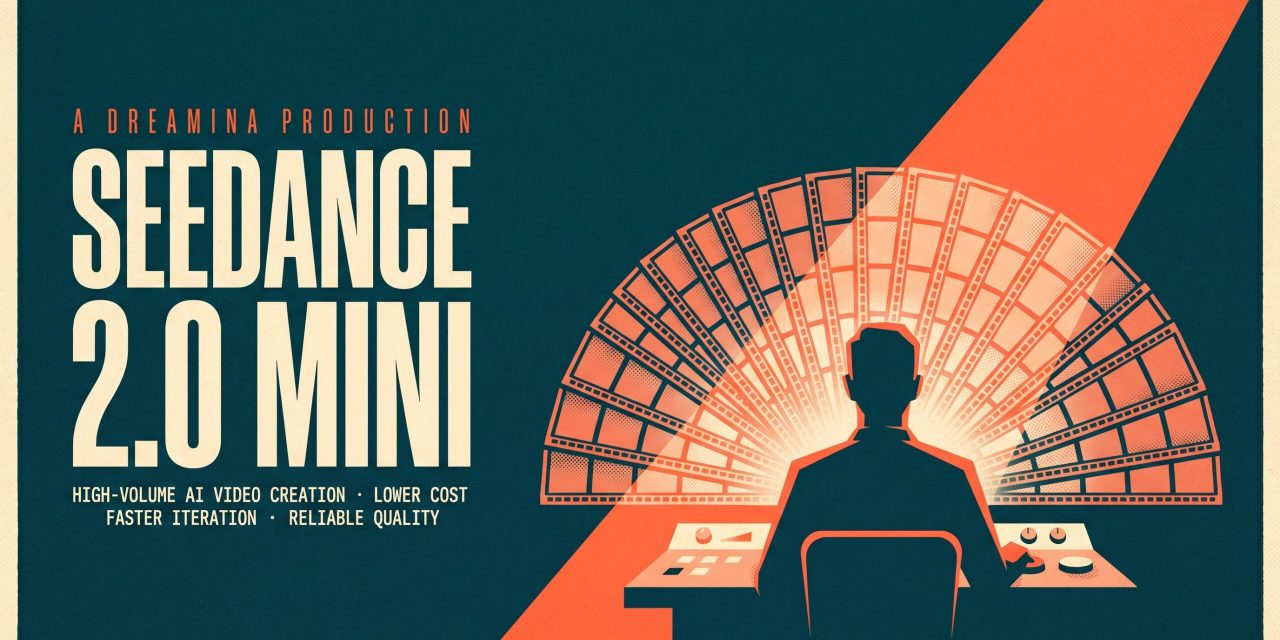
Generating AI video used to feel like a calculated risk. Every prompt cost credits, every retry felt expensive, and creators often settled for the first acceptable clip instead of pushing for the best one. Dreamina Seedance 2.0 Mini changes that calculation. It is a lighter, more affordable lane built on the official Seedance ecosystem, designed for creators who need frequent video output without the cost pressure of a full production model.
This is not a stripped-down version of a flagship tool. It is a deliberate workflow choice for people who think in iterations rather than single shots, and who want their AI video generator to keep up with daily creative demands.
What Dreamina Seedance 2.0 Mini actually does
Dreamina Seedance 2.0 Mini is a text-to-video and image-to-video generator integrated into the Dreamina and CapCut creative ecosystem. It produces short MP4 clips in common social aspect ratios at 480p or 720p, with durations up to 12 seconds in the current build. You write a compact prompt, optionally attach a reference image, pick the frame and length, and render a clip ready for review.
The Mini lane is positioned beneath the full Dreamina Seedance 2.0 model in terms of depth, but it shares the same official Seedance foundation. That matters because reliability and model consistency are often what separate a usable AI video tool from a frustrating one. Creators get trusted access, ongoing updates, and a stable creation surface rather than the patchwork experience of unofficial alternatives.
Why lower cost changes creative behaviour
Price is the obvious headline, but the real shift is behavioural. When per-clip cost drops, creators stop rationing their attempts. They test more prompt variations, compare angles, swap reference images, and rework a scene three or four times instead of accepting the first draft. That kind of iteration is where strong work actually emerges.
Consider a creator building a short product ad. With a heavier model, they might generate two clips, pick the better one, and move on. With Mini, they can generate six variants in the same budget, test different camera moves, try a brighter palette, swap the background, and only then commit credits to a polished final pass in a higher-tier model. The Mini lane becomes the rehearsal room before the main stage.
Strong use cases for Mini
Short drama fragments
Vertical short drama is one of the fastest-growing video formats globally, and it relies on a constant stream of small narrative beats: reaction shots, entrances, pauses, turning points. These clips do not need flagship-level rendering, but they do need to read clearly and arrive quickly. Dreamina Seedance 2.0 Mini keeps generation volume sustainable across an entire series without inflating production costs.
Marketing visuals that refresh often
Campaigns rarely stay static. Promotions update, product angles change, and seasonal pushes demand fresh variations of similar scenes. Mini is built for that rhythm. You can generate several versions of a hero shot, review them with stakeholders, replace the weak ones, and pass the strongest into your editing chain without each variation feeling expensive.
Trend-led reactive content
When a cultural moment moves fast, the creators who win are the ones who can render multiple scene ideas in parallel and ship something before the trend cools. Mini supports that turnover speed. You can draft, compare, and publish within the same window of relevance, which is exactly when a higher-tier model would slow you down with longer queues and bigger credit hits.
Concept testing before bigger production
Before investing in a full shoot or a flagship AI render, teams often want to see whether an idea reads on screen. Mini is ideal for this exploratory phase. Generate a rough version, check whether the hand motion makes sense, verify the product angle, confirm that the mood lands. Only then commit to the heavier pass.
Reference-led control with image prompts
One of the more practical features is image-to-video support. When the clip needs to respect a specific product shape, a wardrobe choice, a character likeness, or brand material, you upload a reference image alongside the prompt. The output stays grounded in that visual anchor instead of drifting into a generic interpretation.
This is especially useful for brand work. Marketing teams rarely have the freedom to let AI invent a product silhouette. Image prompting keeps Dreamina Seedance 2.0 Mini aligned with existing assets, which makes it usable in environments where visual identity matters.
From brief to clip in four steps
The workflow is intentionally compact:
- Write the prompt. Name the subject, scene, mood, camera move, and the ending beat in one concise instruction.
- Add a reference image if needed. Use it when the clip must respect an existing product, character, or style.
- Set the output. Pick aspect ratio, duration, and 480p or 720p resolution depending on the channel you are testing.
- Review and iterate. Keep the strongest direction, refine the prompt, and rerun before moving the strongest take into a larger cut.
The structure rewards creators who treat prompting as an editable language rather than a one-shot guess.
Where Mini sits next to the full Seedance 2.0 model
The flagship Dreamina Seedance 2.0 delivers smoother motion, sharper visuals, multi-subject composition, and stronger prompt control. It is the right choice when the clip is the final product: a finished ad, a hero piece for a landing page, a polished story segment.
Mini is the right choice when the clip is part of a larger process: drafting, testing, exploring, reacting. The two lanes are complementary, not competitive. A healthy production pipeline uses Mini for volume and exploration, then escalates to the full model for the takes that need maximum fidelity. Treating them as one toolkit is more productive than picking sides.
Fitting Mini into an end-to-end workflow
Because Dreamina Seedance 2.0 Mini lives inside the CapCut and Dreamina ecosystem, the output flows naturally into editing. You can generate clips, drop them into a timeline, layer captions, sync to music, and prepare the piece for publishing without juggling exports between disconnected tools. Fewer interruptions mean shorter production cycles, and shorter cycles mean more finished work shipped per week.
For teams running content calendars across multiple channels, that integration is the quiet advantage. The cost savings are easy to measure. The time saved by avoiding tool-switching is harder to see but often bigger.
The takeaway worth keeping
The real value of Dreamina Seedance 2.0 Mini is not just that it costs less. It is that lower cost changes what creators are willing to try. Cheaper iteration produces braver work, because the penalty for experimenting disappears. The clip that finally lands is rarely the first one rendered. It is the seventh, after six versions taught you what the scene actually needed. Mini is built for that seventh take, and that is where its real contribution shows up.